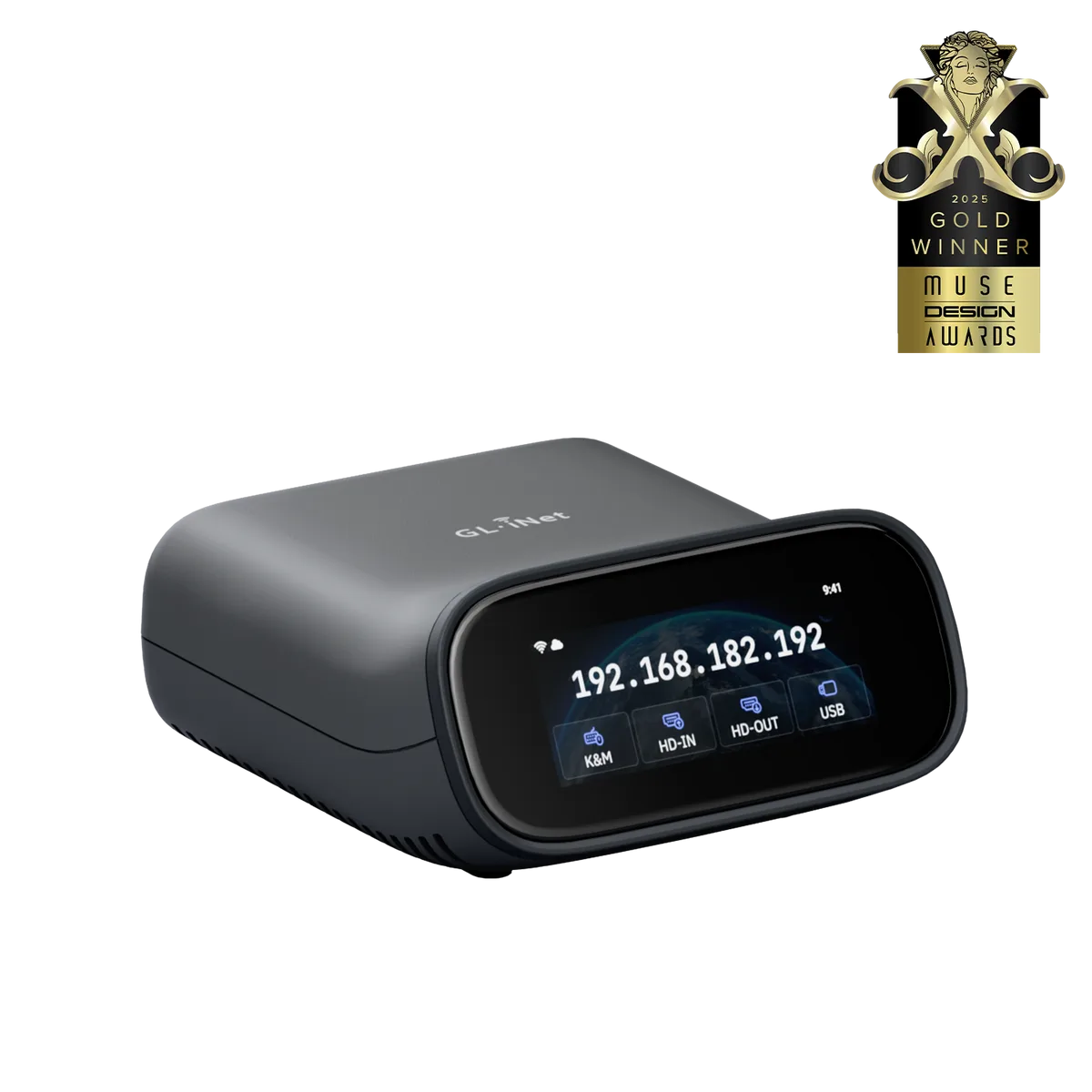
Remote desktop or KVM: the quick split
Remote desktop software runs inside the operating system, so it disappears the moment the OS is not running: during boot, in the BIOS, after a crash, or while reinstalling. A hardware KVM sits outside the computer. It captures the HDMI video and acts as a USB keyboard and mouse, so it sees whatever the screen shows. [2]
This is a research guide built from GL.iNet's KVM documentation. We have not tested a KVM, BIOS access or remote recovery.
| What you need to do | Remote desktop | Hardware KVM |
|---|---|---|
| Use apps on a running computer | Yes; keep your current remote desktop setup | Works, but not needed |
| Change BIOS or UEFI settings | No | Yes, if video and input are compatible |
| Reinstall the OS from an ISO | No | Comet Pro mounts an ISO as a boot-time drive |
| Recover a frozen computer | No | Only with a power method: Wake-on-LAN, ATX board or Fingerbot |
| Reach the site during an internet outage | No | No; both need a working network |
| Fix hotel Wi-Fi or home coverage | No | No; that is a router job |
What Comet Pro adds beyond screen and keyboard
- Image mounting: a read-only CD, DVD or disk drive that works during BIOS or UEFI startup, from an uploaded ISO. [1]
- File sharing: a read-write USB drive named GLKVM that appears on the controlled computer. [1]
- Power: built-in Wake-on-LAN; ATX board and Fingerbot accessories sold separately (not supported on Comet Q). [1][2]
- Remote access: GL.iNet KVM Cloud (optional), the GLKVM app, or Tailscale, which also offers exit node and subnet routes once bound. [1][2]
Choose the remote access path
GL.iNet's FAQ says no open ports or public IP are needed, and the cloud service is optional. With Tailscale, you bind the KVM while you are on the same local network (log in at glkvm.local, Apps Center, Tailscale, Bind Device), install Tailscale on your laptop with the same account, then open the KVM's Tailscale address in a browser. GL.iNet notes the browser may show a privacy warning on that address and recommends Chrome or Edge for setup. [2][3]
Pick one path, document who can log in, and know how you would remove access if a laptop is lost. Do not expose the KVM's admin page directly to the internet; neither documented path requires it.
| Path | Needs | Good for |
|---|---|---|
| GLKVM Cloud | Bind the KVM to GL.iNet's cloud | Simplest setup, app access on Windows, macOS, Android, iOS |
| Tailscale | A Tailscale account on the KVM and your device | Keeping access inside your own private network, no GLKVM app |
| Local only | Being on the same network | Setup and testing; not remote recovery |
Count every link in the recovery chain
A KVM is one link. For remote recovery to work, the remote site needs power, the modem and router need to be up, the KVM needs its network connection, and the computer needs a supported power method. If any link fails, the KVM cannot help. That is why a small UPS on the modem, router and KVM can matter more than another accessory.
| Failure | Does a KVM help? | What does |
|---|---|---|
| Computer stuck at boot screen | Yes | KVM video and keyboard |
| OS frozen | Only with a power method | ATX board, Fingerbot or Wake-on-LAN, then KVM video |
| Internet outage at the site | No | Backup connection or a person on site |
| Power cut | No, until power returns | UPS for the modem, router and KVM |
| KVM itself unreachable | No | Someone on site, or a power cycle via UPS or helper |
Test while someone is still beside the computer
- Connect HDMI and USB, then confirm local video and keyboard, including the BIOS screen, not just the desktop.
- Set up your chosen remote path and log in from a genuinely different network, such as phone tethering.
- Reboot the computer and watch the whole boot over the KVM.
- If you need power control, test each state you need (sleep, shutdown, frozen) when an interruption is acceptable.
- Unplug the router and KVM briefly; record what comes back on its own.
- Keep these instructions somewhere other than the remote computer.
When to skip the purchase
Skip a KVM if remote desktop covers your work and a boot-screen failure would be rare enough for a helper on site to handle. Skip it if the real risk is the site's internet or power, which a KVM does not fix. Buy one when a boot-level failure would cost you a trip or a lost workday, and you have confirmed the computer's HDMI and USB setup and a power method that suits it. Check the current price on GL.iNet's product page, plus any accessory you need.
Watch demos / Official walkthroughs
See the hardware in action.
Videos load from YouTube only when you press play. These are provider videos, not our own product tests.
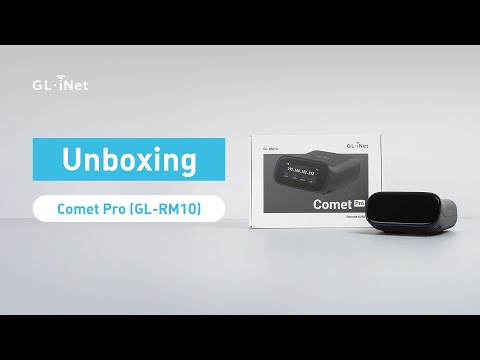
GL.iNet / Official video
Comet Pro (GL-RM10) Remote KVM over Wi-Fi 6 | Unboxing
What to look for: Look for the computer connections and initial setup required for Comet Pro.
Watch on YouTubeQuestions before you decide
Do I need a hardware KVM if remote desktop already works?
Not for running-OS work. A KVM earns its place when you need the screen before the operating system loads, such as BIOS or UEFI settings, or need to reinstall from an image. Comet Pro can mount an ISO as a read-only drive that works during BIOS or UEFI startup, which remote desktop cannot do.
Do GL.iNet KVMs need port forwarding or a cloud subscription?
GL.iNet's FAQ says no open ports or public IP are needed and that its cloud service is optional. The documented alternative is Tailscale: bind the KVM and your controlling device to the same Tailscale account and open the KVM's Tailscale address in a browser, with no GLKVM app or cloud.
Can a KVM control a laptop?
GL.iNet says its KVMs can control any device with HDMI output and USB input, which includes many laptops. Comet Q instead uses a USB-C port with DisplayPort Alt Mode. Check your exact laptop's ports, and remember the laptop lid and power settings still decide whether it stays awake.
Sources & verification
Product details and prices can change. Check the linked provider before buying.
- GL.iNet: Comet Pro (GL-RM10) console guide Accessed 29 Oct 2026
- GL.iNet: Quick FAQs about GL.iNet KVM Accessed 29 Oct 2026
- GL.iNet: KVM remote access via Tailscale Accessed 29 Oct 2026
Sources link directly to providers. Product buttons may use separately labeled affiliate links. Read our disclosure.