First decide what you need to reach. If you want files, a home IP address or apps on a running computer, a network-level tool such as a mesh VPN or a WireGuard server on your router is usually enough. If you need to see the screen when the operating system has crashed, change BIOS settings or reinstall an OS, you are in KVM-over-IP territory, which is a separate purchase and a separate risk profile.
Next check your home connection. If your provider puts you behind carrier-grade NAT, some approaches will not work without a relay, so read the CGNAT guide before choosing between a router VPN server and a mesh service. Then use the comparison guides, such as Tailscale vs ZeroTier or subnet router vs exit node, to match the tool to how many devices and people need access.
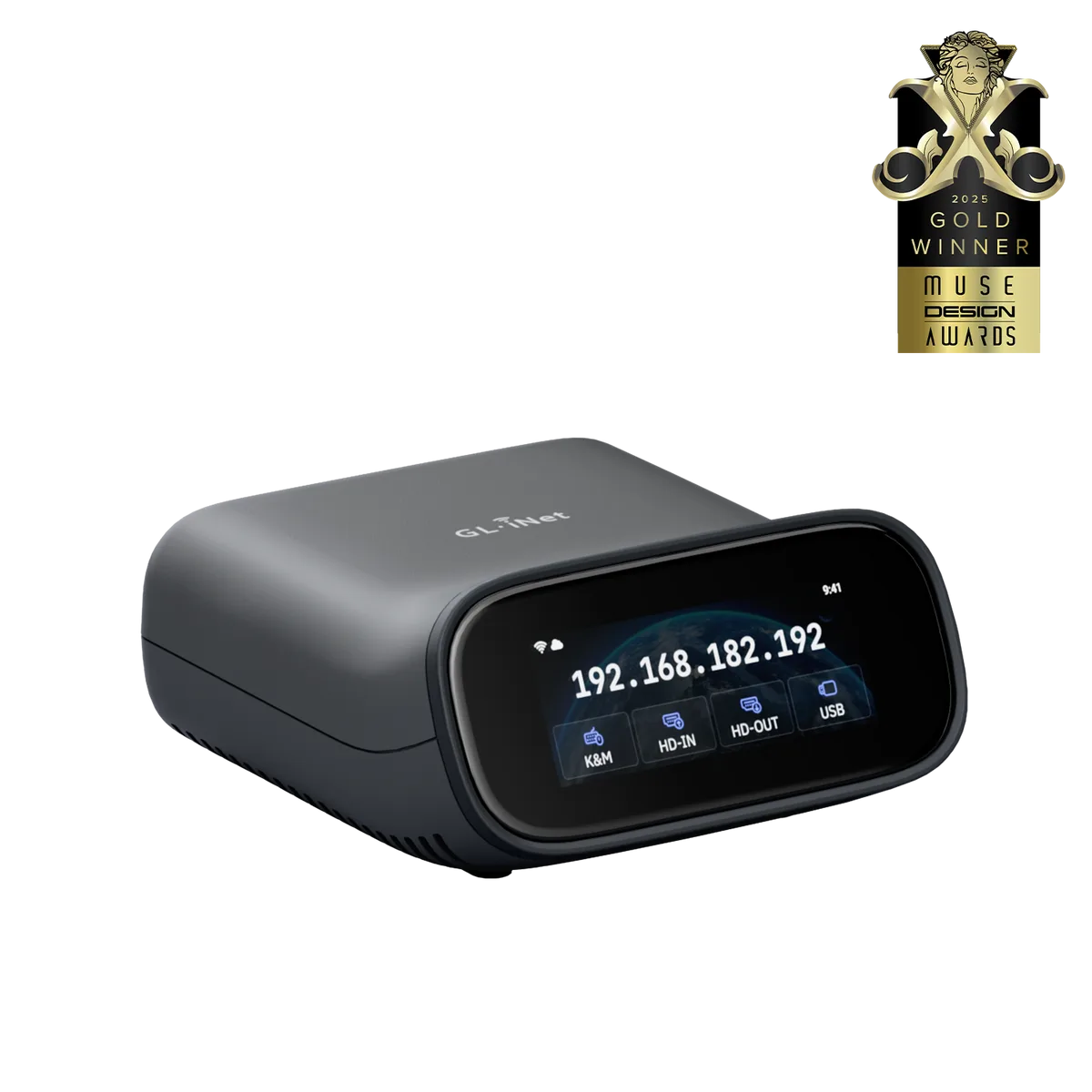
For KVM hardware, read the KVM-vs-IPMI explainer and the remote KVM checklist first, then the model comparisons and reviews. Before you expose anything to the internet, work through the security checklist, and keep the no-video and power-control guides for when a remote machine stops responding.