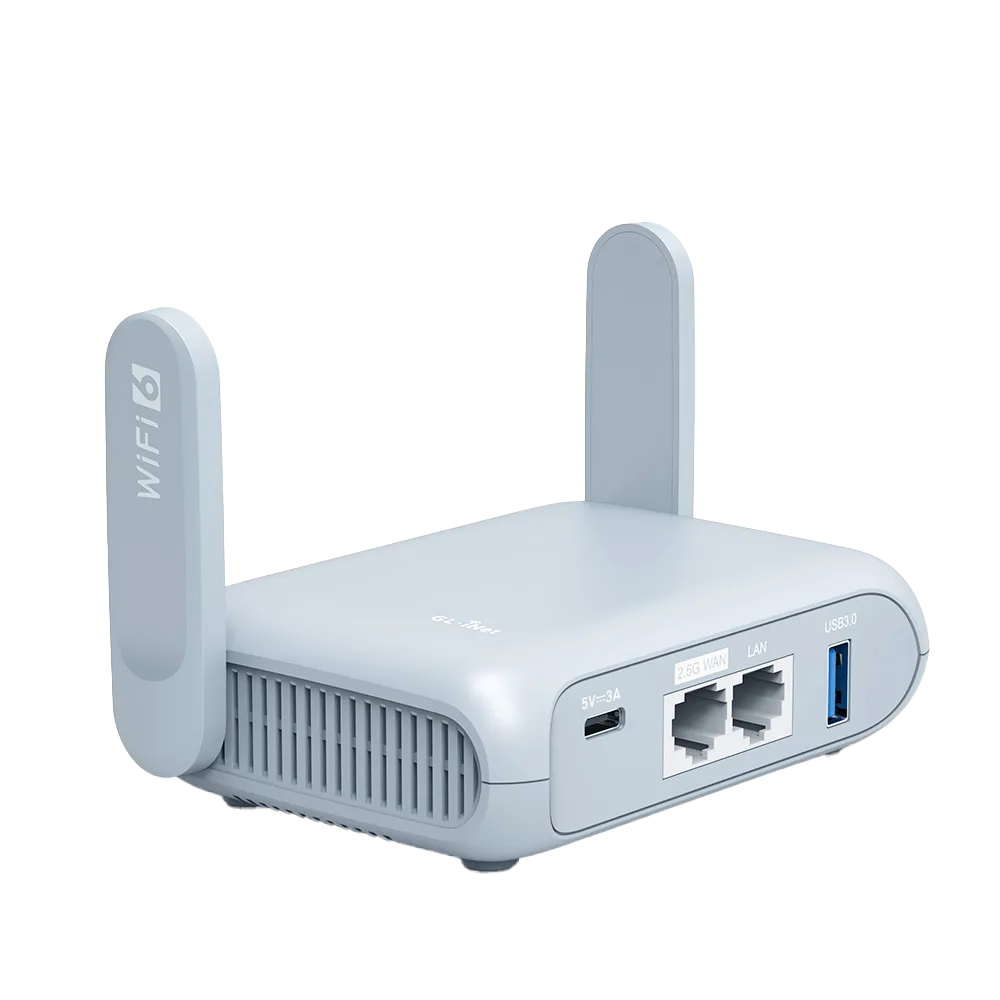
Two separate problems: the login page and NAT
The first problem is getting online at all. Many hotel networks require a browser login. Nintendo says error 2110-3400 usually means a network needs authentication through a web browser, more common at hotels and cafes. [1] Sony's PS5 connection guide covers choosing a network and entering a password, and does not mention login pages. [4]
The second problem is online play once you are connected. Nintendo grades NAT type from A, best for peer-to-peer communication, to F, unable to complete peer-to-peer communication. Nintendo says type D is not optimal for peer-to-peer connections, and type F makes it impossible to connect with other players. [3] Hotels control that second problem much more than you do.
Try the console's own route first
Nintendo Switch: Nintendo's fix for 2110-3400 is to connect to a network that does not need browser authentication, update the console to the latest system version, and then reconnect to the original network, where the authentication page should appear. If it still fails, Nintendo says the network may be misconfigured or may not support the console, and suggests asking the network administrator. [1]
PlayStation Portal: Sony's 2024 update lets PS Portal show a QR code on hotel, cafe and airport sign-in networks so you can complete the login on a phone or tablet. Sony says this requires another device that can connect to the same public network. [5]
If the console's own flow works and you only have the console and a phone, you may not need a router at all.
The travel router route
A travel router in repeater mode joins the hotel Wi-Fi and gives the console its own network with an ordinary password, the kind of connection the Switch and PS5 setup guides cover. [2][4][8] The router handles the hotel login. GL.iNet documents Login Mode with Camouflage on firmware v4.6 or later, temporarily disabling DNS rebinding protection, VPN and AdGuard Home, cloning a logged-in phone's MAC address, or asking staff to whitelist the router's factory MAC. [6]
GL.iNet also notes that some hotels limit devices per guest, and a repeating router appears as one device. That helps a family with a console, two phones and a laptop. [6]
- Join the hotel Wi-Fi from the router's INTERNET, Repeater page. [8]
- Complete the hotel login from a phone or laptop connected to the router. [6]
- Re-enable any VPN or DNS protection you turned off for the login. [6]
- On the Switch: System Settings, Internet, Internet Settings, pick the router's network and enter its password. [2]
- On the PS5: Settings, Network, Settings, Set Up Internet Connection, pick the router's network. [4]
- Run the console's connection test and note the NAT type.
Why NAT type often stays restrictive
A travel router adds its own layer of address translation on top of the hotel's. GL.iNet's UPnP feature lets devices request port mappings automatically, but GL.iNet says UPnP needs a public IP on the WAN interface and will not work behind carrier-grade NAT. [7] On hotel Wi-Fi, the router's WAN connection sits on the hotel's network, not on a public address, so UPnP on the travel router cannot open the hotel's own translation layer.
Nintendo's suggested first step for a restrictive NAT type is to try turning off IPv6 in the console's connection settings, then power cycle the modem and router. In a hotel you cannot restart their equipment, so the realistic options are to accept a restrictive type for games that use peer-to-peer matchmaking, or ask the hotel whether a different network is available. [3]
| Symptom | Likely cause | First thing to try | Does a travel router help? |
|---|---|---|---|
| Switch error 2110-3400 | Browser login required [1] | Update the console, then reconnect [1] | Yes, if the console's own login page still fails |
| PS5 joins but has no internet | Login page not documented for PS5 [4] | Connect PS5 through a router that has completed the login | Yes |
| Connected, but cannot match with friends | Restrictive NAT type, D to F [3] | Turn off IPv6 on the Switch connection [3] | Rarely; router UPnP needs a public WAN IP [7] |
| Only one device allowed per room | Hotel device limit [6] | Use a repeating router, seen as one device [6] | Yes |
Wi-Fi details that trip up consoles
Nintendo lists 2.4 GHz and 5 GHz as supported frequencies for Switch, and suggests placing the console within 10 feet of the wireless router for a strong signal. With a travel router, that means placing the router near the console as well as within reach of a decent hotel signal. [2]
Sony says PS5 consoles support IPv6 network connections but not IPv6-only connections. [4] GL.iNet's repeater can be restricted to one band; if you set a band manually, the router only scans and connects to networks in that band. [8]
Who should skip the router
If you have an updated Nintendo Switch and the hotel's login page appears on the console, the console's own route is simpler. If you travel with a PlayStation Portal and a phone, Sony's QR-code flow covers the login. [1][5]
If you need an open NAT type for peer-to-peer online play, a travel router will usually not deliver it on hotel Wi-Fi. Plan for single-player or server-based games, or a connection you control. This guide makes no Xbox-specific claims.
Watch demos / Official walkthroughs
See the hardware in action.
Videos load from YouTube only when you press play. These are provider videos, not our own product tests.
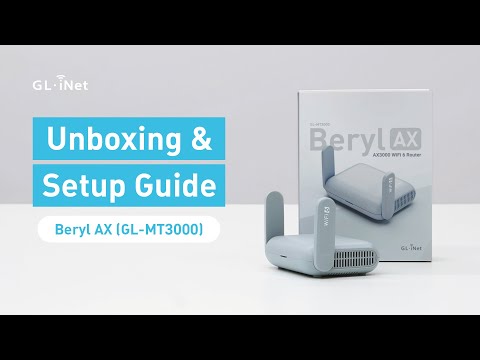
GL.iNet / Official video
Beryl AX (GL-MT3000) - Unboxing and Setup Guide
What to look for: Identify the hardware connections and setup steps for Beryl AX; other models can differ.
Watch on YouTubeQuestions before you decide
What does Nintendo Switch error 2110-3400 mean at a hotel?
Nintendo says it usually means the network requires authentication in a web browser, which is more common at public hotspots such as hotels or cafes. Its fix is to connect to a network without that requirement, update the console to the latest system version, then try the original network again.
Will a travel router give my console an open NAT type at a hotel?
Usually not. GL.iNet says its UPnP feature needs a public IP on the WAN interface and will not work behind carrier-grade NAT. In a hotel, the router's WAN is normally behind the hotel's own network, so the hotel's NAT still applies to peer-to-peer traffic.
Can a PS5 open a hotel login page?
Sony's PS5 connection guide covers choosing a network and entering its password and does not mention login pages. Sony added a QR-code sign-in flow for hotel-style networks to PlayStation Portal in 2024, which uses a phone or tablet to complete the login. A travel router avoids the question by logging in on the console's behalf.
Sources & verification
Product details and prices can change. Check the linked provider before buying.
- Nintendo Support: Error Code 2110-3400 Accessed 30 Oct 2026
- Nintendo Support: How to connect a Nintendo Switch console to the internet using a wireless network Accessed 30 Oct 2026
- Nintendo Support: Unable to connect with others online (errors during match-making process) Accessed 30 Oct 2026
- PlayStation Support: How to set up an internet connection on PlayStation consoles Accessed 30 Oct 2026
- PlayStation Blog: New PlayStation Portal remote player system software update (18 June 2024) Accessed 30 Oct 2026
- GL.iNet Router Docs 4: Connect to a hotspot with captive portal Accessed 30 Oct 2026
- GL.iNet Router Docs 4: UPnP Accessed 30 Oct 2026
- GL.iNet Router Docs 4: Repeater Accessed 30 Oct 2026
Sources link directly to providers. Product buttons may use separately labeled affiliate links. Read our disclosure.