The short answer
In-flight Wi-Fi works like hotel Wi-Fi in one way: you join a network, then a browser page asks you to log in. Delta tells passengers to choose the DeltaWiFi.com network and, if the sign-in page does not open, to go to deltawifi.com in a browser. [1] Southwest says to choose the Southwest WiFi network and tap Access the portal, or type SouthwestWiFi.com. [2] A travel router in Repeater mode is built to pass that kind of page. [3]
The harder question is whether you should. The published terms tie access to devices or accounts, and the free tiers already let each device log in on its own. For most travellers a router on a plane adds a box, a cable and a power outlet without solving a problem.
This guide is research from the airlines' own pages and GL.iNet documentation, read on 30 October 2026. We have not tested a router on a flight. Airlines change their Wi-Fi terms; reread the page for your airline before you fly.
What each airline publishes
We only list airlines whose Wi-Fi pages we could read in full for this guide. Other carriers' pages could not be fetched and are left out rather than guessed.
| Airline | Free access | Device rule as published | Login | Router fit |
|---|---|---|---|---|
| Delta | SkyMiles Members connect free on nearly every flight [1] | Unlimited devices on free Wi-Fi, each logging in with a SkyMiles account; paid flight passes non-transferrable across devices [1] | DeltaWiFi.com network, deltawifi.com page [1] | Poor: per-device logins make a router redundant; passes must not be shared |
| Southwest | Rapid Rewards Members get free Wi-Fi [2] | Connect on phone, laptop or tablet; no device limit stated; Rapid Rewards rules apply [2] | Southwest WiFi network, SouthwestWiFi.com [2] | Poor to unclear: each device can log in directly; terms do not address routers |
Why one paid pass should stay on one device
Delta's wording is direct: flight passes are non-transferrable across devices. [1] A travel router's whole job is to make many devices look like one. Behind it, a laptop, a tablet and a second phone would all ride on one device's pass. That works against the plain meaning of the term, whether or not the system notices.
There is a practical reason too. GL.iNet's portal fixes include making the router copy the MAC address of a device that already logged in, using Camouflage or MAC Clone. [3][4] On a plane, that means deliberately presenting the router as a device the airline has already identified. If a hotel is fine with you whitelisting a router, ask; on a flight there is no front desk to ask.
Southwest's page does not set a device limit, but it says all Rapid Rewards rules apply and that Southwest may prohibit access to some high-bandwidth applications. [2] Absence of a rule on the Wi-Fi page is not permission. If you want to use a router, read the linked Rapid Rewards terms first.
Free tiers already do what the router would
The usual reason to carry a travel router is that each device would otherwise need its own login. On Delta's free Wi-Fi each device is expected to log in, and the number of devices is unlimited. [1] A router would put all your devices behind one login, so they would share one SkyMiles session instead of using their own. There is nothing to gain.
Worked example: a couple flying Delta with two phones, one laptop and one tablet. Direct: each device joins DeltaWiFi.com and signs in with SkyMiles, four short logins. With a router: unpack it, find power, join the router from each device, configure Repeater, pass the portal once, and then share one session. The router path is longer and gives each device less clarity about whose login it is using.
Delta also notes that voice and video calls are not permitted during flights, and that its Wi-Fi supports streaming. [1] A router changes neither.
Power: what the router needs from your seat
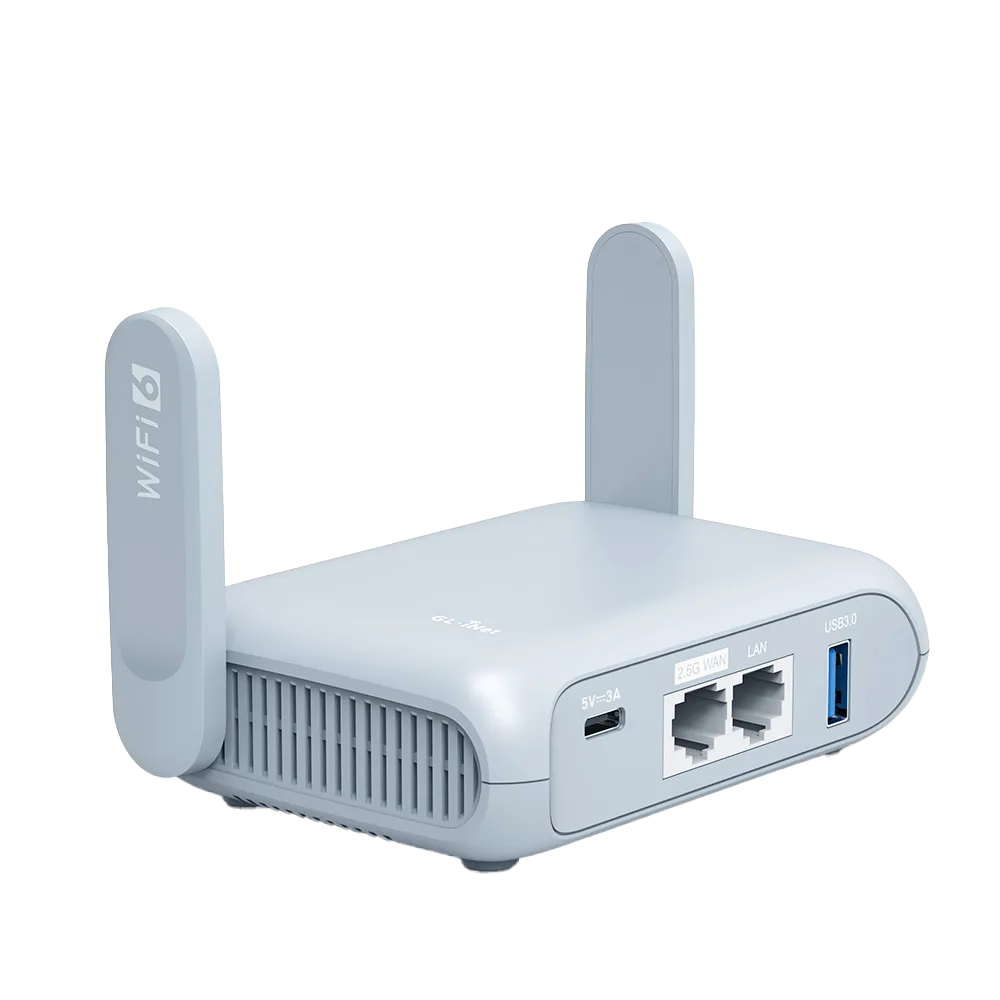
GL.iNet lists Beryl AX with a USB Type-C 5V/3A power supply and power consumption under 8 W. [5] Opal is listed at Type-C 5V/3A with consumption under 6 W. [6] Those are the routers' own figures; they do not tell you what a given seat can deliver.
Neither airline page we read states seat power ratings or which seats have power. [1][2] If you plan to run a router from a seat outlet or a seat USB port, check your aircraft's seat details first, and do not assume a seat port can supply the 5V/3A the router's own adapter is rated for. A power bank rated for 5V/3A over USB-C is the fallback.
When a phone or laptop alone is simpler
For nearly every flight, log in each device directly. Use the router for the hotel at the other end.
- One or two devices: log in directly on each. No router needed.
- Free tier with per-device logins (Delta SkyMiles): log in each device with its own account.
- One paid pass: use it on the one device you need most. Do not share it through a router.
- A device with no browser, such as a streaming stick: download content before the flight instead.
- Router on board anyway: keep it off until you land; reconfigure it at the hotel, where one shared login is the intended use.
Watch demos / Official walkthroughs
See the hardware in action.
Videos load from YouTube only when you press play. These are provider videos, not our own product tests.
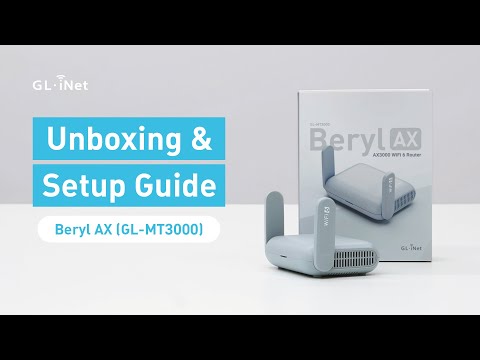
GL.iNet / Official video
Beryl AX (GL-MT3000) - Unboxing and Setup Guide
What to look for: Identify the hardware connections and setup steps for Beryl AX; other models can differ.
Watch on YouTubeQuestions before you decide
Can I share one paid Delta flight pass through a travel router?
Delta's onboard Wi-Fi page says flight passes are non-transferrable across devices. A router that makes several devices look like one would work against that. Buy a pass for the device you need, or use the free SkyMiles Wi-Fi where your aircraft offers it.
How many devices can I connect to Delta's free Wi-Fi?
Delta's FAQ says you can connect an unlimited number of devices to free Wi-Fi by going to deltawifi.com, with each device signing in through SkyMiles. Because each device logs in separately, a router adds a step rather than saving one.
Does Southwest limit the number of devices on its free Wi-Fi?
Southwest's Wi-Fi page says Rapid Rewards members get free Wi-Fi and that you can connect on your phone, laptop or tablet, but it does not state a device limit. It says all Rapid Rewards rules apply and that Southwest may prohibit some high-bandwidth applications.
Can a seat power outlet run a travel router?
The airline pages we read do not state seat power ratings. On the router side, GL.iNet lists Beryl AX at a 5V/3A USB-C supply drawing under 8 W, and Opal at 5V/3A drawing under 6 W. Check your seat's power type before relying on it.
Sources & verification
Product details and prices can change. Check the linked provider before buying.
- Delta: Onboard Wi-Fi Accessed 30 Oct 2026
- Southwest: WiFi Accessed 30 Oct 2026
- GL.iNet Router Docs 4: How to connect a GL.iNet router to public hotspots with a Captive Portal Accessed 30 Oct 2026
- GL.iNet Router Docs 4: Repeater Accessed 30 Oct 2026
- GL.iNet: GL-MT3000 (Beryl AX) datasheet, ver. 20250320 Accessed 30 Oct 2026
- GL.iNet: Opal (GL-SFT1200) product page Accessed 30 Oct 2026
Sources link directly to providers. Product buttons may use separately labeled affiliate links. Read our disclosure.