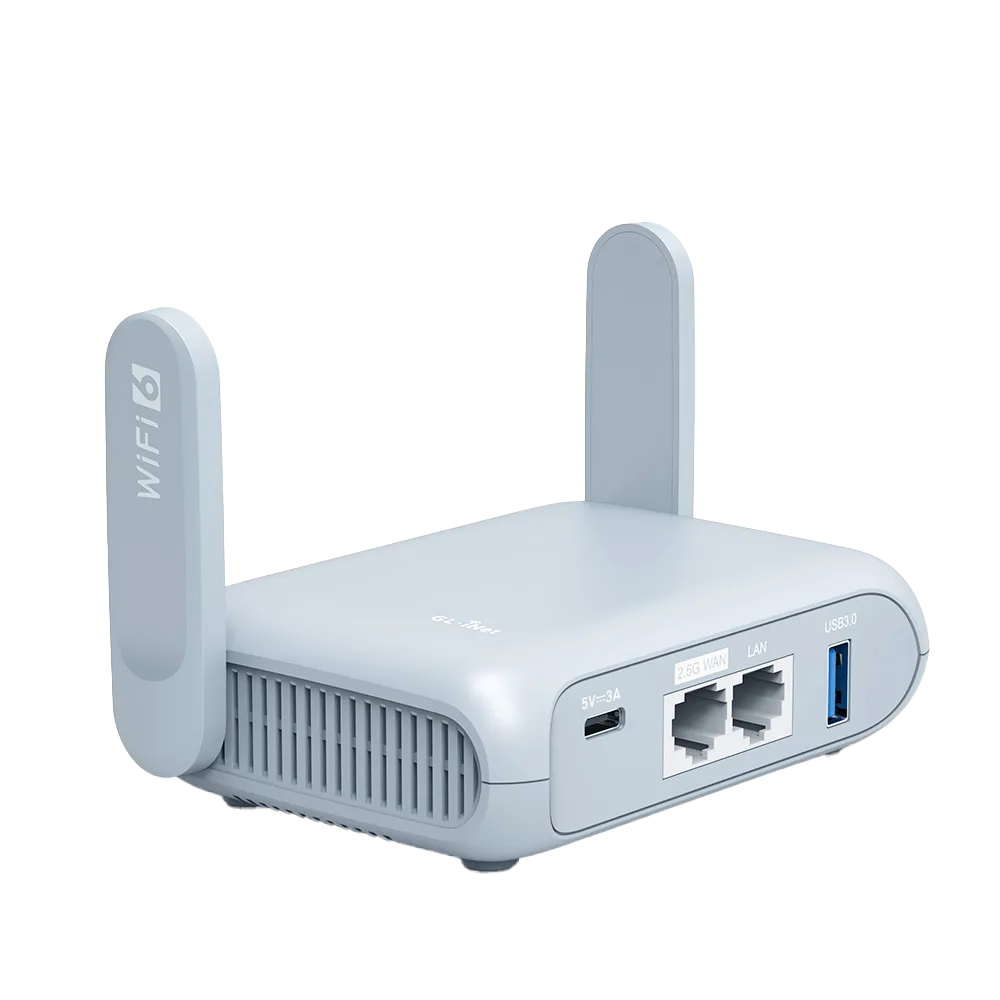
Why enterprise Wi-Fi is different
Hotel Wi-Fi checks the room or the device. Enterprise Wi-Fi checks the person. On a WPA2 or WPA3-Enterprise network you sign in with your own username and password through 802.1X and EAP (Extensible Authentication Protocol). GL.iNet describes these as typically used on business and campus networks, and its EAP tutorial names eduroam, the roaming Wi-Fi of the research and education community, as the typical example. [1][2]
InCommon's eduroam page, which describes Internet2 as the national roaming operator of eduroam in the US, says users connect with 802.1X using EAP-PEAP, EAP-TLS or EAP-TTLS. Your home organization does the authentication, and the visited site then authorizes you locally. [3]
This guide is research from GL.iNet's documentation and InCommon's eduroam page. We have not tested a router on an eduroam network.
Which GL.iNet routers can join
GL.iNet's EAP tutorial lists supported and unsupported models, with footnotes that change the answer for some popular travel routers. [1] The rows below are the models most relevant to travel.
| Model | EAP support per GL.iNet | Caveat |
|---|---|---|
| Opal (GL-SFT1200) | Supported | From firmware 4.8 [1] |
| Beryl AX (GL-MT3000) | Listed, but not on default firmware | Needs GL.iNet's native OpenWrt 24 firmware [1] |
| Flint 2 (GL-MT6000) | Listed, but not on default firmware | Needs GL.iNet's native OpenWrt 24 firmware [1] |
| Slate AX (GL-AXT1800) | Supported | No footnote in the tutorial [1] |
| Beryl 7 (GL-MT3600BE), Slate 7 (GL-BE3600) | Supported | PEAP only; other EAP methods such as EAP-TLS and EAP-TTLS not supported [1] |
| Spitz AX (GL-X3000), GL-XE3000 | Not supported | Listed as unsupported [1] |
Setting it up: the admin panel first, LuCI if needed
Method 1, the Web Admin Panel: go to INTERNET, then Repeater, and click Connect. Pick the network or use Join Other Network, set Security to WPA/WPA2/WPA3 Enterprise, enter your Username and Password, and click Apply. GL.iNet says this method supports only a limited number of EAP types. [1][2]
Method 2, LuCI: install LuCI under SYSTEM, then Advanced Settings. In Network, then Wireless, scan, join the network, and set the EAP parameters under Wireless Security before saving. Give the interface a name such as wlan0, then Save and Apply. Abort any failed admin-panel attempt before using LuCI. [1]
Two LuCI side effects matter. The main admin panel shows a lit repeater icon but not the IP or gateway details, because LuCI settings are not synced back to it. GL.iNet also marks its LuCI steps as reference only, since the interface can differ by device. [1] Treat a LuCI setup as something to do at home with time to spare, not at a conference registration desk.
What to ask IT before you travel
If the admin panel connection fails, GL.iNet says the network may need extra parameters. [1] Get them from the institution's IT help pages or helpdesk before you leave. Guessing them at a venue wastes time.
| Parameter | What it is | Typical question for IT |
|---|---|---|
| EAP type | PEAP, TTLS or TLS [1] | Which EAP method does our network use? |
| Identity | Usually your full username [1] | Do I use username@institution or just the username? |
| Anonymous identity | Optional outer name [1] | Is an anonymous outer identity required or recommended? |
| Inner authentication (phase 2) | For example MSCHAPv2 or PAP [1] | Which phase 2 method? |
| Domain | An authentication domain suffix [1] | Which server domain should the router check? |
| CA certificate | A .crt file, if required [1] | Where do I download the CA certificate? |
The credential question
A router on enterprise Wi-Fi signs in with one person's credentials, then shares that connection with every device behind it. InCommon's page explains the chain: your home organization authenticates you, every eduroam location must follow the eduroam Compliance Statement, and DMCA complaints can be forwarded to your home organization. [3] Whatever a device behind your router does is traced to your account.
Institutions publish their own acceptable-use policies, and those policies, not this guide, decide whether a router is allowed. This guide does not quote an institution's policy page, so it does not state what yours says. Look up your home institution's policy, and the visited site's if it publishes one, before you connect a router. If either forbids it, use the fallbacks below or connect each device directly.
If a conference or coworking network uses WPA-Enterprise, the credentials you were issued are tied to you in the same way. Ask the organizer whether sharing them through a router is allowed.
Fallbacks when the router cannot or should not join
A travel router has other upstream sources, and none of them involve enterprise credentials.
- Wired port: if the venue offers an Ethernet port, plug it into the router's WAN port. GL.iNet's Ethernet WAN uses DHCP by default, with Static and PPPoE if required. [4] Ask whether wired ports need registration.
- Phone tethering: connect the phone to the router's USB port and use INTERNET, then Tethering. GL.iNet notes some carriers limit or charge extra for tethering. [5]
- Direct connection: join eduroam on each laptop and phone with the institution's own setup instructions, and keep the router for the hotel.
- Different hardware: if you need a router on enterprise Wi-Fi and own Beryl AX, read GL.iNet's tutorial on the OpenWrt 24 firmware requirement before switching firmware, or look at a model the tutorial lists as supported on default firmware, such as Opal on 4.8 or later. Opal's product page lists Wi-Fi 5 and a slower VPN than Beryl AX. [1][6][7]
Watch demos / Official walkthroughs
See the hardware in action.
Videos load from YouTube only when you press play. These are provider videos, not our own product tests.
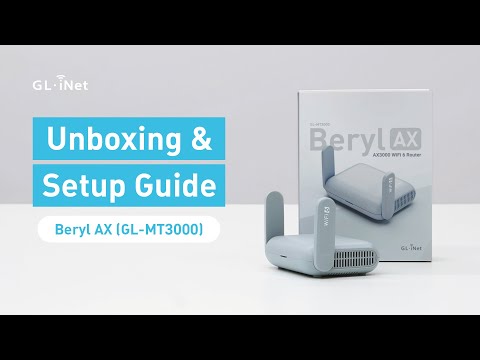
GL.iNet / Official video
Beryl AX (GL-MT3000) - Unboxing and Setup Guide
What to look for: Identify the hardware connections and setup steps for Beryl AX; other models can differ.
Watch on YouTubeQuestions before you decide
Can Beryl AX join eduroam out of the box?
Not on its default firmware, according to GL.iNet's EAP tutorial. It says GL-MT3000 and GL-MT6000 do not support EAP on default firmware and that GL.iNet's native OpenWrt 24 firmware adds support. If you need eduroam on a router today, check the supported-model list first.
Which EAP methods does the GL.iNet admin panel support?
GL.iNet says the Web Admin Panel supports only a limited number of EAP types, and that some newer models, including Slate 7 and Beryl 7, support only PEAP. For TTLS, TLS, a CA certificate, a domain or an anonymous identity, the tutorial points to LuCI, whose settings do not sync back to the main admin panel.
Am I allowed to share my eduroam login through a router?
Check your home institution's policy. InCommon's eduroam US page explains that your home organization authenticates you and that abuse complaints can be forwarded to it. That makes every device behind the router your responsibility. This guide does not quote an institution's acceptable-use page, so it does not state the rule for you.
What can I do if my router cannot join the enterprise network?
Use the router's other sources. Plug into a wired port if the venue provides one, since the GL.iNet Ethernet WAN uses DHCP by default. Or tether a phone over USB, keeping in mind that GL.iNet says some carriers limit or charge extra for tethering.
Sources & verification
Product details and prices can change. Check the linked provider before buying.
- GL.iNet Router Docs 4: How to connect to an EAP (Extensible Authentication Protocol) network Accessed 30 Oct 2026
- GL.iNet Router Docs 4: Repeater Accessed 30 Oct 2026
- InCommon (Internet2): eduroam US Accessed 30 Oct 2026
- GL.iNet Router Docs 4: Ethernet Accessed 30 Oct 2026
- GL.iNet Router Docs 4: Tethering Accessed 30 Oct 2026
- GL.iNet: Opal (GL-SFT1200) product page Accessed 30 Oct 2026
- GL.iNet: GL-MT3000 (Beryl AX) datasheet, ver. 20250320 Accessed 30 Oct 2026
Sources link directly to providers. Product buttons may use separately labeled affiliate links. Read our disclosure.