Read the listing's wifi speed correctly
Airbnb hosts can run a speed test in the Airbnb app and show the result on the listing. Airbnb labels 1 to 6 Mbps as Basic, 7 to 24 Mbps as Solid, 25 to 49 Mbps as Snappy, and 50 Mbps or more as Fast. The test measures download speed only (not upload or latency), and is collected at one point in time. Airbnb notes that speed during your stay can depend on network conditions, where you are in the space and other activity on the network. [1]
For work calls, upload matters too. Zoom lists 1.2 Mbps up and down for a 720p one-to-one call, 2.6 Mbps up and 1.8 Mbps down for 720p group video, and 3.8 Mbps up for 1080p. A listing's download figure does not tell you whether the upload side can carry that, so ask the host. [1][5]
| Airbnb label | Download range [1] | What it suggests for a remote worker |
|---|---|---|
| Basic | 1 to 6 Mbps | At the low end, below the 1.8 Mbps download Zoom lists for one 720p group call; ask before booking |
| Solid | 7 to 24 Mbps | Download is enough for 1080p calls per Zoom's figures; upload still unknown |
| Snappy | 25 to 49 Mbps | Comfortable download for several people; confirm upload |
| Fast | 50 Mbps or more | Download unlikely to be the limit; signal and upload still matter |
| No speed shown | Host has not provided it | Ask the host for a recent test, including upload |
What a travel router can fix in a rental
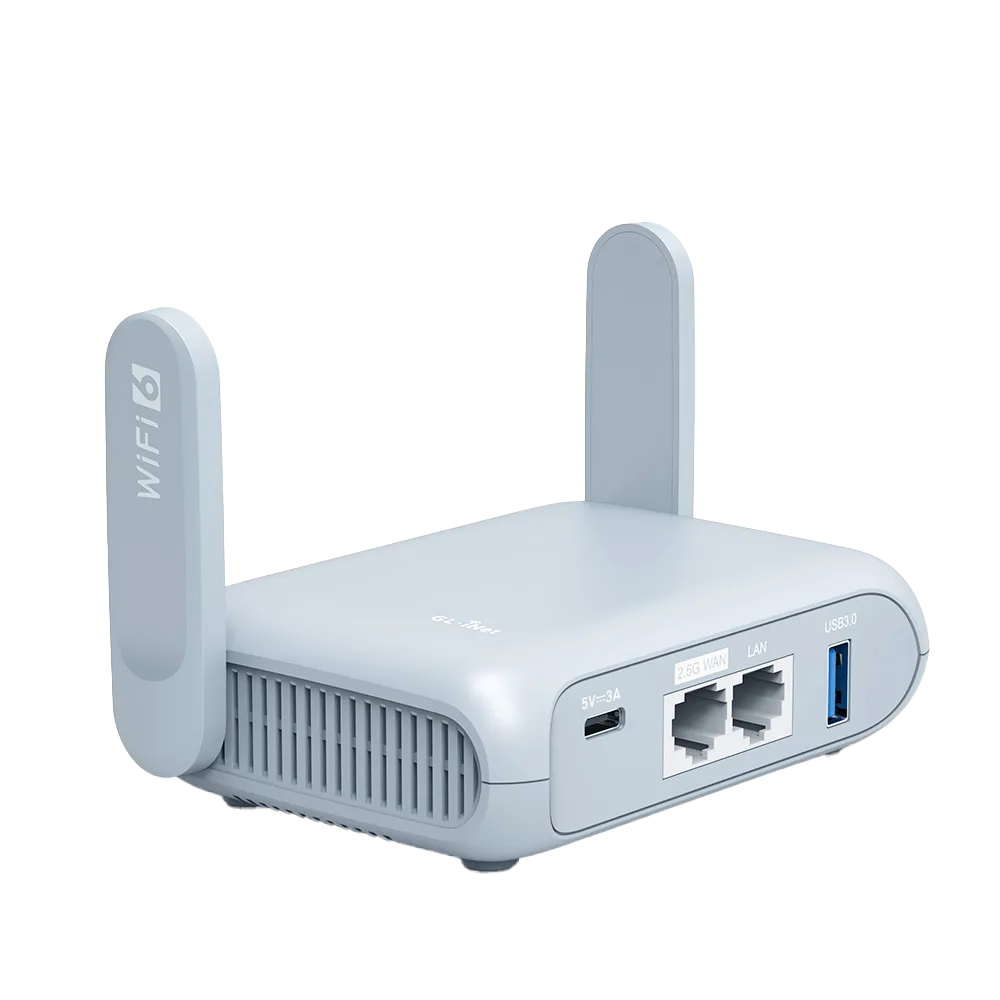
One setup for every device: in repeater mode, the router joins the rental's Wi-Fi and your devices join the router's own network, so you enter the host's password once. GL.iNet's repeater mode can save several networks and switch between them, and lets you choose the band it scans. [3]
Login pages: if the rental network has a captive portal, GL.iNet documents a Login Mode and MAC-cloning options for getting the router through it, and notes that a repeating router appears to the network as one device. [4]
Streaming sticks: Google says its streaming devices do not support captive-portal networks and need AP or client isolation turned off. Putting the stick and your phone on the router's own network, with isolation off, can work around both problems. [4][6]
A data fallback: if the rental line drops, GL.iNet routers can take a phone's mobile data over USB tethering. GL.iNet notes that some carriers limit or charge extra for tethering. [7]
What a travel router cannot fix
It cannot add bandwidth. If the rental's line delivers 10 Mbps, every device behind your travel router shares at most that 10 Mbps. If several people in your group stream or join calls at once, they compete for the same line with or without a router. [1]
It cannot fix a weak signal by itself if you place it in the same weak spot. In repeater mode the router still needs a decent signal from the host's Wi-Fi. Put it where the host's signal is good, such as near the host router, then let your devices connect to it from there. [3]
It cannot override house rules. Airbnb's ground rules require guests to follow the host's house rules. If you want to unplug or plug into the host's equipment, such as an Ethernet port on their router, ask first. [2]
A worked example for a working week
Fictional scenario: two remote workers book a listing labeled Snappy at 30 Mbps download. Both will be on 720p group calls at the same time. Using Zoom's figures, two concurrent 720p group calls need about 5.2 Mbps up and 3.6 Mbps down. The 30 Mbps download figure is comfortably above 3.6 Mbps, but the listing says nothing about upload. [1][5]
Before booking, they message the host for an upload test. If upload is above about 5.2 Mbps with some margin, the line is probably adequate and a travel router is mainly a convenience. If upload is low, a router will not help; they should plan for phone tethering or a different listing. This is arithmetic on published figures, not a measurement of any property.
Rental Wi-Fi checklist
Work through this before and on arrival.
- Before booking: check the listing's wifi label and ask the host for a recent upload figure if you have calls.
- Before booking: ask whether the network has a login page and whether devices can see each other (relevant for casting).
- Pack: router, its USB-C power supply and a data-capable USB cable for tethering.
- On arrival: set the router near the host's router, join the rental Wi-Fi in repeater mode, then connect your devices to the router.
- If a login page does not appear: follow GL.iNet's Login Mode or MAC-clone steps, and turn VPN and DNS protections back on afterwards.
- If the line is slow: run a speed test from a laptop on the router and on the host Wi-Fi; if both are slow, the line is the limit.
- If the line fails: switch the router to USB tethering after checking your carrier plan.
Who should skip the router
If you are one person with a phone and a laptop, the rental Wi-Fi accepts both and you do not cast to a TV, a travel router adds a device to pack without solving a problem. Your phone's own hotspot also covers short outages if your plan allows tethering.
If the listing shows Basic speed and you must work, the fix is a different listing or reliable mobile data, not a router.
Watch demos / Official walkthroughs
See the hardware in action.
Videos load from YouTube only when you press play. These are provider videos, not our own product tests.
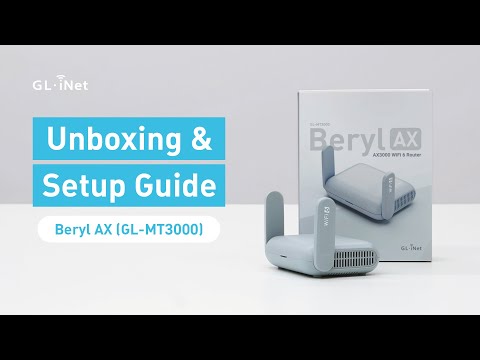
GL.iNet / Official video
Beryl AX (GL-MT3000) - Unboxing and Setup Guide
What to look for: Identify the hardware connections and setup steps for Beryl AX; other models can differ.
Watch on YouTubeQuestions before you decide
Does the wifi speed on an Airbnb listing include upload speed?
No. Airbnb's help center says its wifi speed test only measures download speed and is collected at one point in time. Airbnb suggests asking the host for upload speed or latency details.
Will a travel router fix slow rental Wi-Fi?
Only if the problem is the signal between your devices and the host's router, for example in a far bedroom. If the rental's internet line itself is slow, a travel router shares the same slow line. It can also fall back to your phone's data by USB tethering, if your carrier plan allows it.
Do I need a travel router to use my Chromecast in a rental?
Not always. Google says its streaming devices cannot join captive-portal networks and need AP or client isolation turned off. A typical home network with a simple password may already work. A travel router helps when the host network has a login page or isolates devices.
Sources & verification
Product details and prices can change. Check the linked provider before buying.
- Airbnb Help Center: Check the wifi speed for a place Accessed 30 Oct 2026
- Airbnb Help Center: Ground rules for home guests Accessed 30 Oct 2026
- GL.iNet Router Docs 4: Repeater Accessed 30 Oct 2026
- GL.iNet Router Docs 4: Connect to a hotspot with captive portal Accessed 30 Oct 2026
- Zoom Support: Zoom system requirements, bandwidth Accessed 30 Oct 2026
- Google Streaming Help: Can't establish a Wi-Fi connection to Chromecast or Google TV Streamer Accessed 30 Oct 2026
- GL.iNet Router Docs 4: Internet tethering Accessed 30 Oct 2026
Sources link directly to providers. Product buttons may use separately labeled affiliate links. Read our disclosure.