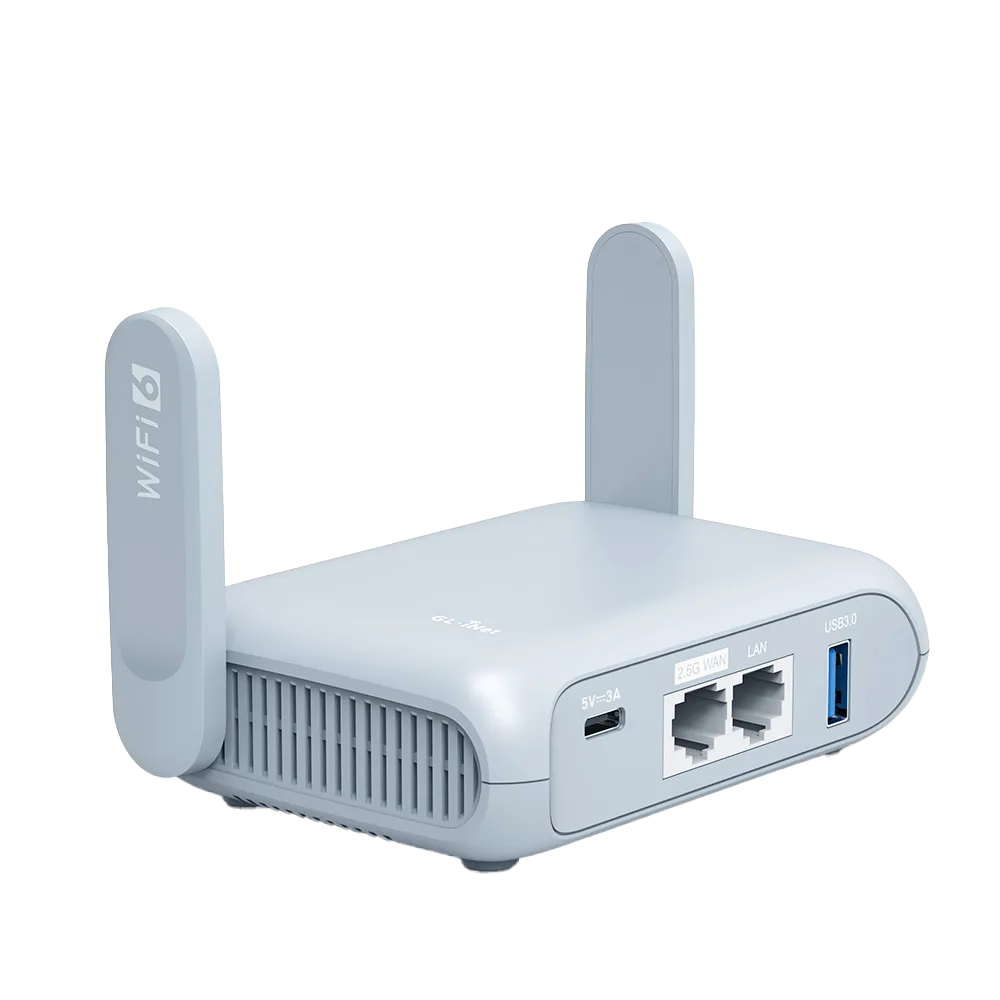
Why casting fails on hotel Wi-Fi
Google's troubleshooting page names two blockers. First, Google streaming devices do not support networks that require connection through a captive portal, the login or terms page most hotels use, and Google says you will not be able to connect to these networks. Second, AP isolation, also called client isolation or guest mode, prevents devices on the same network from communicating with the streaming device, which Google flags for guest, hotel and public networks. [1][2]
Casting needs your phone to find and talk to the stick on the local network. Even when a hotel network has no login page, isolation can stop that conversation. [1][2]
How a travel router changes the picture
In repeater mode, a GL.iNet travel router joins the hotel Wi-Fi as a client and broadcasts its own network for your devices. The router, not the Chromecast, deals with the hotel login page. GL.iNet documents a Login Mode for public hotspots on firmware v4.6 and later, a Camouflage option that emulates your admin device's MAC address, and MAC cloning when the portal does not appear. [4][5]
Your Chromecast and phone then join the router's own Wi-Fi with an ordinary password. On that private network, the router controls isolation. GL.iNet documents AP isolation as an option on its guest network that stops devices there from communicating with each other, so put both the stick and the phone on the router's main Wi-Fi, not the guest network. [6]
| Problem | Cause per Google | Travel router workaround |
|---|---|---|
| Chromecast cannot get online | Captive portal not supported [1] | Router completes the hotel login; stick joins router Wi-Fi [4] |
| Phone cannot find the Chromecast | AP or client isolation [1][2] | Phone and stick on router's main Wi-Fi, not an isolated guest network [6] |
| 5 GHz network not usable for setup | Mobile device must support 5 GHz [3] | Use a band both devices support |
| 1st-gen Chromecast does not see the network | 1st gen supports 2.4 GHz only [1] | Make sure the router's 2.4 GHz network is on |
Step checklist
Do the router steps before you touch the Chromecast. Rehearse at home if you can, because changing a Chromecast's network uses the Google Home app and is easier without a hotel login in the way.
- Power the router and connect a laptop or phone to its Wi-Fi.
- In the router admin panel, go to INTERNET, Repeater, and join the hotel Wi-Fi. [5]
- Complete the hotel login. If no page appears, use Login Mode with Camouflage (v4.6+) or clone your phone's MAC address. [4]
- After the login succeeds, turn any VPN and DNS protections you disabled for the portal back on. [4]
- Connect your phone to the router's main Wi-Fi, not a guest network with AP isolation. [6]
- In the Google Home app, connect the Chromecast to the same router Wi-Fi. For a 1st-gen Chromecast use 2.4 GHz. [1][3]
- Cast from an app on the phone. If the device does not appear, confirm both are on the same router network and band.
If the hotel login keeps failing
GL.iNet suggests four approaches in order: Login Mode with Camouflage, temporarily disabling DNS rebinding protection, VPN and AdGuard Home, cloning the MAC address of a phone that is already logged in, and asking hotel staff to whitelist the router's factory MAC address. It warns that Login Mode may expose your network activity to the hotspot provider. [4]
If none works, phone tethering is a fallback: GL.iNet routers can share a phone's mobile data over USB, and the Chromecast still sees a private network. Check your carrier plan first, because GL.iNet notes some carriers limit or charge extra for tethering, and streaming video uses a lot of data. [7]
What a travel router cannot fix
If the hotel TV will not switch to its HDMI input, or the input is locked, the router has nothing to do with it. Check the TV's input menu, then ask the front desk.
If the hotel connection itself is slow or blocks streaming services, the router shares that same connection. And if a streaming app restricts casting on the account side, the network setup does not change that.
Who should skip the router for this
If you only want to watch on a laptop or tablet, skip casting and the router. If your hotel offers a network without a login page and without isolation, a Chromecast may connect directly. [1]
If you travel with a streaming stick and several other devices often, a travel router solves this and the hotel login problem at once, which is where it earns its place in the bag.
Watch demos / Official walkthroughs
See the hardware in action.
Videos load from YouTube only when you press play. These are provider videos, not our own product tests.
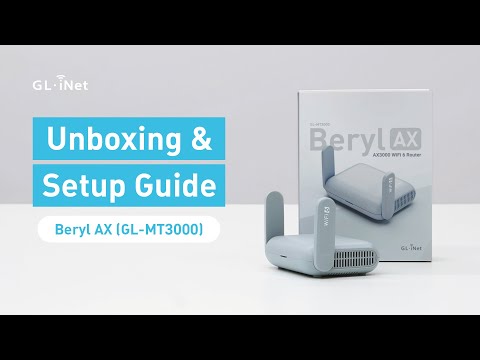
GL.iNet / Official video
Beryl AX (GL-MT3000) - Unboxing and Setup Guide
What to look for: Identify the hardware connections and setup steps for Beryl AX; other models can differ.
Watch on YouTubeQuestions before you decide
Why won't my Chromecast connect to hotel Wi-Fi?
Google says its streaming devices do not support networks that require connection through a captive portal, and that AP or client isolation on guest, hotel or public networks prevents devices from communicating with the Chromecast. Google names hotel networks in both cases.
Does my phone need to be on the travel router's Wi-Fi too?
Yes. Google says AP or client isolation, which stops devices on the same network from reaching each other, blocks setup, so the phone and the stick need to reach each other on one network. Connect both to the travel router's main Wi-Fi. Google also notes that setting up on 5 GHz requires your mobile device to support 5 GHz.
Can I put the Chromecast on the travel router's guest network?
It is safer not to. GL.iNet documents AP isolation as a guest-network option (since firmware v4.5) that stops devices there from communicating with each other, and Google says AP or client isolation prevents setup. Put the stick and your phone on the router's main Wi-Fi.
Sources & verification
Product details and prices can change. Check the linked provider before buying.
- Google Streaming Help: Can't establish a Wi-Fi connection to Chromecast or Google TV Streamer Accessed 30 Oct 2026
- Google Cast Help: Having trouble setting up a TV or speaker that works with Google Cast? Accessed 30 Oct 2026
- Google Streaming Help: Can't find Chromecast or Google TV Streamer in the Google Home app Accessed 30 Oct 2026
- GL.iNet Router Docs 4: Connect to a hotspot with captive portal Accessed 30 Oct 2026
- GL.iNet Router Docs 4: Repeater Accessed 30 Oct 2026
- GL.iNet Router Docs 4: Guest network Accessed 30 Oct 2026
- GL.iNet Router Docs 4: Internet tethering Accessed 30 Oct 2026
Sources link directly to providers. Product buttons may use separately labeled affiliate links. Read our disclosure.