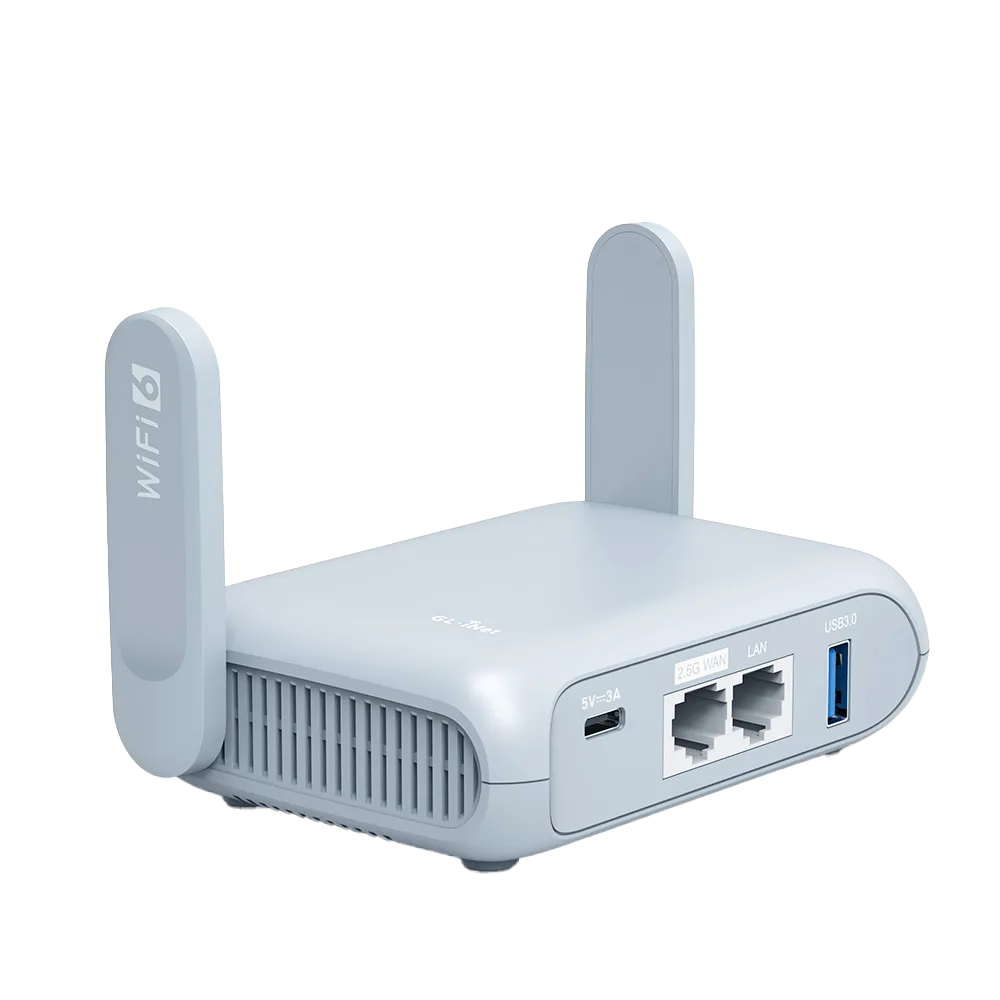
Make a useful record · No signup
Troubleshoot a connection before buying equipment
Compare a device, connection method and control device to choose your next safe test.
- Test one change at a time, using a network you are authorized to use. Use an ordinary public page without signing into a sensitive account.
- For a useful comparison, use the same location, network and approximate time. Unknown is a valid answer if a wired port or second device is unavailable.
- Do not enter passwords, network names, IP addresses or account details here.
Enter observations you can support. Leave unknowns blank or choose Unknown. Inputs stay in this page; reloading clears them. Do not enter passwords or personal customer information.
Try a fictional worked example
Examples demonstrate the tool. They are not your observations and do not count as completed reader work.
Enable JavaScript to calculate and download a result.
Use this checklist on paper
- Does the affected device load a public page over Wi-Fi?
- Does that same device load it over a supported wired connection? — Only test with an existing supported adapter and an authorized network port. Do not buy an adapter just for this check.
- Does another device load it on the same Wi-Fi?
- Does the affected device work closer to the access point?
- Does the network show a sign-in or terms page? — Observe only; use the network provider’s known instructions. Never ignore browser certificate warnings.
Record the date, source and unknowns, then list what to check next. A filled worksheet is not independent verification.
What this tool can and cannot establish
- Self-reported comparisons narrow possibilities; they cannot diagnose a specific component remotely.
- A successful page load does not prove the network is secure or consistently reliable.
- Do not bypass a managed network’s policy. This tool does not recommend factory resets, firmware changes or credential sharing.
Completed means the required input record was filled, not that every check passed. Where audience measurement is enabled, only fixed completion, export and feedback identifiers are counted; entered values and notes are not sent.
Five questions that decide it
A travel router joins the hotel Wi-Fi once and then runs your own private Wi-Fi for your devices. That solves some hotel problems well and others not at all. Answer these before shopping. This is a research guide from GL.iNet documentation; we have not tested routers at hotels.
| Question | If yes | If no |
|---|---|---|
| Do you carry three or more devices that each need the hotel login? | Strong case: one login covers all | Weak case on this point |
| Do you have a wired-only device (desktop, console, streaming box)? | Strong case: the router has LAN ports | No need for ports |
| Do you want one VPN covering every device, including ones that cannot run a VPN app? | Router VPN makes sense; check its VPN speed limit | A VPN app per device is simpler |
| Is the hotel connection slow even on your phone directly? | A router will not fix it; consider phone tethering | Speed is not the reason to buy |
| Does the hotel login fail on your phone too? | Hotel problem; speak to the front desk | The router may help only if the issue is device count |
What it costs and what you get
Prices from GL.iNet's product pages on 29 October 2026, before tax and shipping. Both run on USB-C 5V/3A power, so a decent phone charger or power bank can run them. VPN figures are GL.iNet's listed client-mode maximums. [2][3]
| Opal (GL-SFT1200) | Beryl AX (GL-MT3000) | |
|---|---|---|
| Price (USD) | $39.99 | $98.99 |
| Wi-Fi | Wi-Fi 5 | Wi-Fi 6 |
| Wired ports | 1 WAN + 2 LAN, gigabit | 1 x 2.5G WAN + 1 gigabit LAN |
| WireGuard / OpenVPN max | 65 / 12 Mbps | 300 / 150 Mbps |
| Weight | 145 g | 196 g |
| Best for | Sharing one login, two wired devices, tight budget | Router-side VPN, faster connections, USB 3.0 |
Expect to handle the hotel login
A travel router has to complete the hotel's sign-in page on behalf of everything behind it. GL.iNet documents three fixes when the page will not appear: Public Hotspot Login Mode (firmware 4.6 and later), temporarily disabling VPN, AdGuard Home and DNS rebinding protection, and cloning the MAC address of a phone that already signed in. Login mode switches DNS to automatic and suspends some services while active, which GL.iNet says may expose activity to the hotspot provider. Budget ten minutes at check-in the first few times. [1]
Three travellers, three answers
These scenarios are illustrative, not test results. Check the hotel's policy on personal routers before relying on one.
- Weekend traveller with one laptop; hotel login works: skip the router. Use the hotel Wi-Fi directly and a VPN app if you want one.
- Family of four with two phones, a tablet, a laptop and a streaming stick, at hotels that limit devices per room: Opal at $39.99 covers the login problem; add a VPN app on the laptop if needed.
- Remote worker who wants every device behind a WireGuard VPN and gets fast hotel lines: Beryl AX, because Opal's 65 Mbps WireGuard ceiling would cap the whole room.
When the hotel connection is the problem
If a speed test on your phone, connected directly to hotel Wi-Fi, is already poor, a router has nothing better to share. Options then are moving closer to the hotel's access point, asking for a wired connection if the room has one, or using phone tethering. GL.iNet's Beryl AX guide says cellular modems and tethered phones connect through its USB port, which lets you share a phone's data with devices behind the router; check the exact model's guide if you choose another. Check your mobile plan's hotspot allowance first. [4]
Before you order: a 5-point check
- Write the job in one line: 'I need X devices on one login', 'I need a wired port', or 'I need a VPN for everything'.
- Count wired devices: two or more points to Opal.
- Decide where the VPN runs: on the router points to Beryl AX.
- Confirm you pack a 5V/3A USB-C charger.
- Test at home within the return window: join a network, restart, reconnect every device.
Watch demos / Official walkthroughs
See the hardware in action.
Videos load from YouTube only when you press play. These are provider videos, not our own product tests.
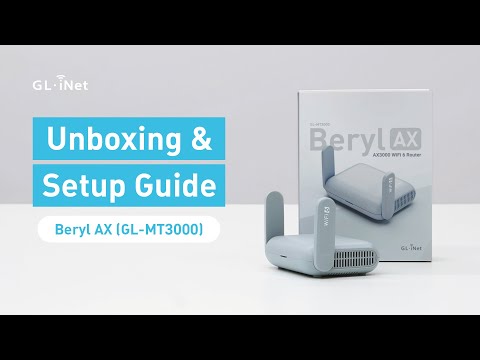
GL.iNet / Official video
Beryl AX (GL-MT3000) - Unboxing and Setup Guide
What to look for: Identify the hardware connections and setup steps for Beryl AX; other models can differ.
Watch on YouTubeQuestions before you decide
Will a travel router fix slow hotel internet?
Not if the hotel line itself is slow. The router shares whatever the hotel provides. Run a speed test on your phone connected directly to the hotel Wi-Fi; if that is slow, a router will be too. A router can help when the problem is repeated logins, a wired device, or covering several devices with one VPN.
Do travel routers work with hotel login pages?
Usually, with some setup. GL.iNet documents a Public Hotspot Login Mode on firmware 4.6 and later, plus fixes such as temporarily disabling VPN and DNS protections, or cloning the MAC address of a device that already logged in. Expect to need those steps at some hotels.
Which is the cheaper sensible option, Opal or Beryl AX?
Opal is $39.99 with two LAN ports but a listed WireGuard VPN limit of 65 Mbps. Beryl AX is $98.99 with Wi-Fi 6 and a 300 Mbps WireGuard limit. If you will not run a VPN on the router, Opal is often enough; if you will, Beryl AX is the safer choice.
Sources & verification
Product details and prices can change. Check the linked provider before buying.
- GL.iNet: Connect to a public hotspot with a captive portal Accessed 29 Oct 2026
- GL.iNet: Opal (GL-SFT1200) price and specifications Accessed 29 Oct 2026
- GL.iNet: Beryl AX (GL-MT3000) price and specifications Accessed 29 Oct 2026
- GL.iNet: Beryl AX (GL-MT3000) user guide Accessed 29 Oct 2026
Sources link directly to providers. Product buttons may use separately labeled affiliate links. Read our disclosure.