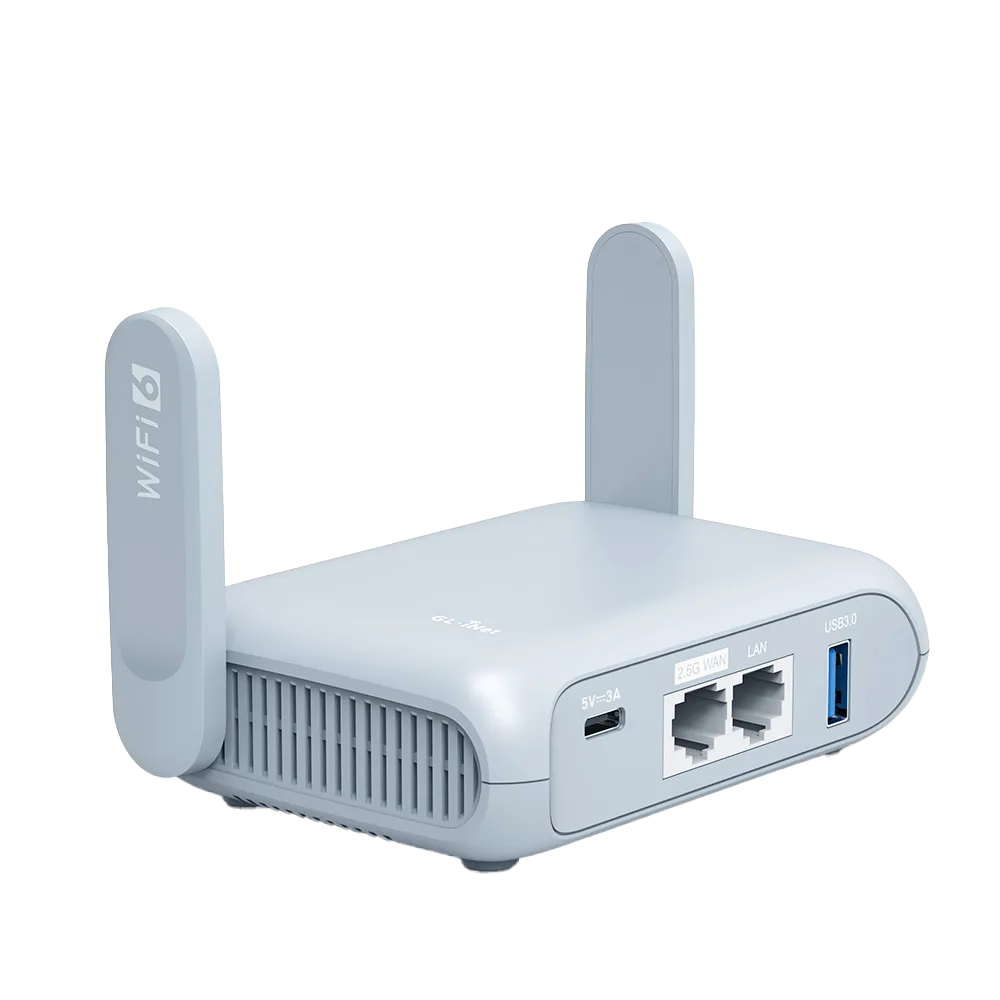
What a regulatory domain controls
Wi-Fi uses unlicensed radio bands, but unlicensed does not mean unregulated. Each country, or group of countries, sets which channels may be used, at what power, indoors or outdoors, and with which radar-avoidance rules. That set of rules is called the regulatory domain. GL.iNet puts it simply: available channels depend on the router model, country or region, channel width and local regulations. [8]
On OpenWrt, the open-source system GL.iNet firmware is built on (Beryl AX's datasheet lists OpenWrt 21.02), the radio's country option takes a two-letter code and affects the available channels and transmission powers. [5][9] OpenWrt also notes that the actual transmit power depends on regulatory requirements, whatever value you set. [5]
This guide is research from regulator text, GL.iNet and OpenWrt documentation, and a channel reference. We did not measure channel behaviour on a router.
Channel differences that matter to travellers
The table pulls the differences most likely to affect a hotel connection. It is a simplification. Rules change, and some countries have exceptions. [1][2][3]
| Band | United States | Europe | Elsewhere | What it means abroad |
|---|---|---|---|---|
| 2.4 GHz | Channels 1 to 11; 12 and 13 low power and customarily unused [1] | Channels 1 to 13 [1] | Most of the world allows 1 to 13; Japan also permits 14 in 802.11b (DSSS/CCK) modes only [1] | A European hotel AP on 12 or 13 may be invisible to a device under US rules |
| 5 GHz, 5.15 to 5.25 GHz (U-NII-1) | Allowed; up to 1 W conducted for access points with antenna gain up to 6 dBi [2] | Indoor use only across the EU for 5.15 to 5.35 GHz, per GL.iNet's CE notice [3] | Varies by country [1] | Usually the safest 5 GHz channels to look for |
| 5 GHz, 5.25 to 5.35 and 5.47 to 5.725 GHz | DFS and TPC required; lesser of 250 mW or 11 dBm + 10 log B [2] | Covered by EN 301 893, which spans 5.15 to 5.725 GHz [1] | Varies by country [1] | Radar rules can move or block these channels |
| 5 GHz, 5.725 to 5.85 GHz (U-NII-3) | Up to 1 W conducted [2] | 13.98 dBm EIRP in GL.iNet's CE notice [3] | China added 5.725 to 5.85 GHz in July 2017 [1] | Higher power allowed under the US rule than in GL.iNet's EU notice |
| 6 GHz | 5.925 to 7.125 GHz [1] | 5.945 to 6.425 GHz, low-power indoor and very low power [1] | Varies widely [1] | Only matters for Wi-Fi 6E/7 routers |
Why your router may not see the hotel's network
GL.iNet's Repeater page says the router only shows networks on channels it supports. [6] Combine that with the table and the most common abroad case is clear. Worked example: a hotel in Europe runs its 2.4 GHz network on channel 13, which is allowed there. A device operating under US rules uses channels 1 to 11 and will not list it. The same hotel's 5 GHz network on channel 36 is allowed in both regions and should appear.
DFS adds a second, temporary cause. On 5.25 to 5.35 GHz and 5.47 to 5.725 GHz, US rules require radar detection and transmit power control. [2] GL.iNet says that on listed models, including Beryl AX (GL-MT3000) and Flint 2 (GL-MT6000), the router's 5 GHz Wi-Fi follows the upstream DFS channel when it is scannable. If the upstream DFS channel is not scannable, or the connection fails, the router switches to a non-DFS channel. Opal (GL-SFT1200) is not in that list. [6]
Before blaming the region, rule out the simple causes: a hidden SSID (use Join Other Network), the wrong band (try Band Selection), or distance from the access point. [6]
Where GL.iNet exposes the setting, and where it does not
GL.iNet's firmware 4 Wireless guide documents per-band SSID, security, TX power, bandwidth and channel. In repeater mode the channel and bandwidth cannot be modified. With Auto selected, the router will not move to a DFS channel on its own, and at 160 MHz it always uses a DFS channel. [7] None of the Wireless, Repeater or transmit-power pages we read documents a country or region setting, and none explains whether or why one is fixed. [6][7][8] We are not going to guess.
The product documentation does carry regulatory notices. Beryl AX and Flint 2 user guides list CE limits for the EU: 20 dBm EIRP on 2.4 GHz, 23 dBm on 5.15 to 5.35 GHz, 30 dBm on 5.47 to 5.725 GHz, and 13.98 dBm on 5.725 to 5.85 GHz. Both restrict 5.15 to 5.35 GHz to indoor use in EU countries. [3][4] The Flint 2 guide also lists FCC limits of 30 dBm on 2.4 GHz and 5 GHz. [4]
There is also a legal backdrop. US rules for these bands require manufacturers to implement security features so that third parties cannot reprogram a device to operate outside its certified parameters. [2] Whatever GL.iNet's reasons, a region setting is not something to unlock through LuCI or SSH to reach a hotel channel. Doing so may break the rules of the country you are in.
Transmit power: leave it alone
It is tempting to raise TX power when the hotel signal is weak. GL.iNet recommends that most single-router users leave transmit power at its default or automatic setting. [8] OpenWrt notes that regulatory limits can override the value you set. [5] Raising your router's power also does nothing for the hotel access point's signal reaching you.
Placement does more. Put the router near the room door or wherever your phone shows the strongest hotel signal.
Checklist for a trip abroad
Run through this when a hotel network your phone can see does not appear in the router's scan.
- Check whether the network is 2.4 GHz or 5 GHz. Some phones and laptops show the channel in their Wi-Fi details.
- If it is 2.4 GHz channel 12 or 13, ask the front desk whether there is a 5 GHz network or an access point on another channel.
- On 5 GHz, prefer channels 36 to 48. DFS channels can move or disappear.
- Use Join Other Network to rule out a hidden SSID, and Band Selection to focus the scan. [6]
- Leave TX power and region alone. Move the router instead.
- If nothing works, use the hotel's wired port or phone tethering as the router's internet source.
Watch demos / Official walkthroughs
See the hardware in action.
Videos load from YouTube only when you press play. These are provider videos, not our own product tests.
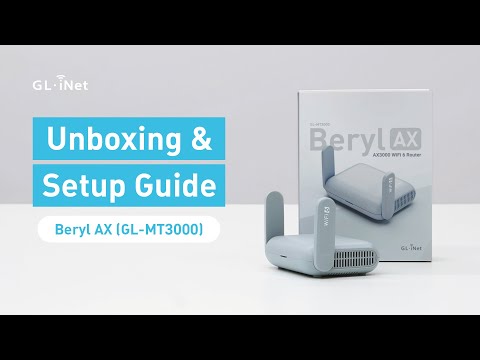
GL.iNet / Official video
Beryl AX (GL-MT3000) - Unboxing and Setup Guide
What to look for: Identify the hardware connections and setup steps for Beryl AX; other models can differ.
Watch on YouTubeQuestions before you decide
Why can my travel router not see the hotel network my phone sees?
One possible reason is the channel. GL.iNet says the router only shows networks on channels it supports. If the hotel uses a channel allowed where you are but not under the router's regulatory settings, such as 2.4 GHz channel 12 or 13 in Europe for a device under US rules, it will not appear. Ask the front desk for a different band, or use Join Other Network to rule out a hidden SSID.
Can I change the country code on a GL.iNet router?
GL.iNet's firmware 4 Wireless and Repeater pages document channel, bandwidth and TX power but not a country or region setting, and its docs do not explain why. The underlying OpenWrt has a country option that affects channels and transmit power. US rules require manufacturers to prevent third parties from reprogramming a device outside its certified parameters, so do not try to work around it.
Does the router pick the 5 GHz channel itself in a hotel?
In repeater mode the channel and bandwidth cannot be changed. On models GL.iNet lists, including Beryl AX and Flint 2, the router's 5 GHz Wi-Fi follows the upstream network's DFS channel when that channel is scannable. If it is not, or the connection fails, the router switches to a non-DFS channel.
Should I raise transmit power abroad to reach the hotel access point?
GL.iNet recommends leaving transmit power at its default or automatic setting for most single-router users. OpenWrt notes that the actual power used depends on regulatory requirements, so a higher setting may not take effect anyway. Moving the router nearer the door or window usually matters more.
Sources & verification
Product details and prices can change. Check the linked provider before buying.
- Wikipedia: List of WLAN channels Accessed 30 Oct 2026
- 47 CFR 15.407, General technical requirements (U-NII), via Cornell LII Accessed 30 Oct 2026
- GL.iNet Router Docs 4: Beryl AX (GL-MT3000) user guide Accessed 30 Oct 2026
- GL.iNet Router Docs 4: Flint 2 (GL-MT6000) user guide Accessed 30 Oct 2026
- OpenWrt: Wi-Fi configuration (basic) Accessed 30 Oct 2026
- GL.iNet Router Docs 4: Repeater Accessed 30 Oct 2026
- GL.iNet Router Docs 4: Wireless (firmware 4.8 guide) Accessed 30 Oct 2026
- GL.iNet Router Docs 4: Understanding Wi-Fi Coverage, Access Points, and Transmit Power Accessed 30 Oct 2026
- GL.iNet: GL-MT3000 (Beryl AX) datasheet, ver. 20250320 Accessed 30 Oct 2026
Sources link directly to providers. Product buttons may use separately labeled affiliate links. Read our disclosure.